
Panasonic DP-8060/8045/8035 Digital Imaging Systems Manual

This is an English operating manual that introduces the product overview, copying, printing, facsimile/Internet facsimile/email, troubleshooting, network scanning, and replacing consumables of Panasonic DP-8060 / 8045 / 8035 digital imaging system.
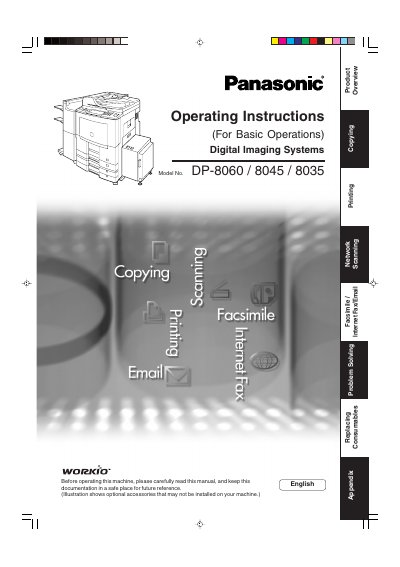

Panasonic DP-8060/8045/8035 Digital Imaging Systems Manual - cover page
Brand
Panasonic
Category
copier
Document type
User Manual
Language
English
Pages
196
File format
PDF
File size
7.7 MB
Published
08 August, 2012
Updated
30 September, 2023
MD5 checksum
1CCDF7BCCCB86C34940BCE99244E7908

About this manual

This manual provides essential information for setting up and operating the Panasonic LDIP-8060/8045/8035 Digital Imaging Systems. It covers basic operations such as making copies, printing, network scanning, and sending or receiving documents via Facsimile, Internet Fax, and Email. The guide also explains how to use advanced features like user authentication, password communications, and selective reception.

What's inside

  • Getting to Know Your Machine
  • Connecting the Cable
  • Control Panel
  • Mode Setting
  • Facsimile Features
  • Internet Fax Features
  • Advanced Facsimile Features
  • Advanced Internet Fax Features
  • Setting Your Machine
  • Printout Journals and Lists

Frequently asked questions

What optional hardware is required to use the Facsimile function?

The Facsimile function is available only when the optional Fax Communication Board (DA-FG600) is installed.

How many CD-ROMs are included with the machine?

The machine includes two CD-ROMs containing detailed operating instruction manuals.

Download PDF (7.7 MB)

More Panasonic Manuals


View all Panasonic manuals →