
This document is the operating instructions of Panasonic BT-S950P color video monitor, introducing the features and characteristics of the product, including functions, parameters, usage methods, etc.
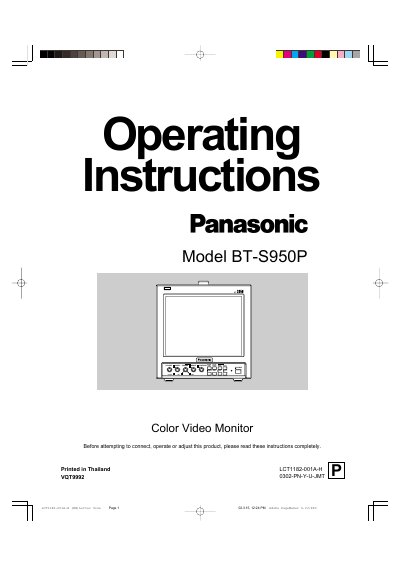
This document provides operating instructions for the Panasonic BT-S950P Color Video Monitor. It details safety precautions regarding power sources (120 V AC or 12 V DC) and handling of the unit to prevent damage from moisture or vibration.
The manual describes the front panel controls, including adjustments for picture quality such as brightness, contrast, phase, and chroma using a small-bladed screwdriver. It also explains rear panel connectivity options for video inputs (composite and S-VIDEO), audio signals, external synchronization, and remote control terminals.
The unit requires a 120 V AC, 50 Hz/60 Hz power source or a 12 V DC supply.
Wipe the cabinet and CRT screen with a soft cloth, using a diluted neutral cleanser if the unit is excessively dirty.
The image will be permanently etched onto the CRT, a phenomenon known as screen burn.