
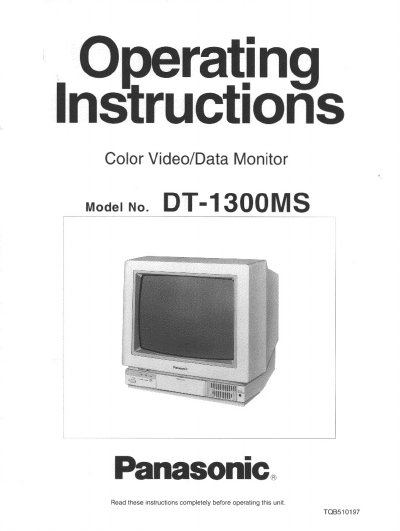
This document provides operating instructions for the Panasonic DT-1300MS Color Video/Data Monitor. It details safety precautions, front and rear control locations, and step-by-step procedures for powering on, selecting input modes (VIDEO, S-VIDEO, RGB MULTI), and adjusting picture settings such as contrast, brightness, and position. The manual also explains how to use the 3-mode preset memory and control switches.
| Dot Pitch | 0.28 mm |
|---|
Push the NORMAL button with an adjustment screwdriver or tool to return adjustments to factory presettings.
Setting the switch to FUNC-1 allows control of Picture and Volume, while FUNC-2 allows control of Size, Position, and Side-pincushion.