
This document is an operating instruction manual for the PT-AE2000U model LCD projector. It includes important safety notices, instructions for power supply, and guidelines for operating and adjusting the projector.
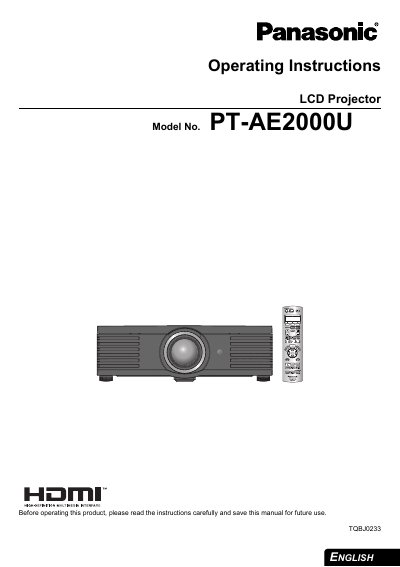
This manual provides operating instructions for the Panasonic PT-AE2000U LCD projector. It covers essential safety information, setup procedures including screen size and throw distance, and connection methods for various input signals such as HDMI, Component, and S-Video. The guide details how to switch the projector on and off, select input signals, and adjust the image using the remote control and on-screen menu.
| Power Supply | 100 V - 240 V, 50 Hz/60 Hz AC |
|---|---|
| Product Type | LCD Projector |
The projector is designed to operate on 100 V - 240 V, 50 Hz/60 Hz AC house current only.
No, the supplied accessory cord can only be used for power supplies up to 125 V, 7 A.