
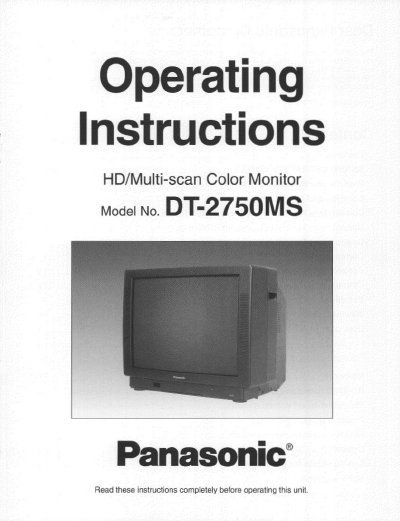
Panasonic DT-2750MS HD/Multi-scan Color Monitor Operating Instructions


Panasonic DT-2750MS HD/Multi-scan Color Monitor Operating Instructions - cover page
Brand
Panasonic
Category
Monitors
Document type
User Manual
Language
English
Pages
48
File format
PDF
File size
1.5 MB
Published
07 August, 2012
Updated
23 August, 2012
MD5 checksum
52971F2E050EFCED9510EBD66C64A9BB

About this manual

This manual provides operating instructions for the Panasonic DT-2750MS HD/Multi-scan Color Monitor. It details features such as support for component video, DTV, DVD, S-video, composite video, and PC VGA resolutions up to UXGA at 75 Hz flicker-free refresh. The monitor includes a super high quality CRT with a 0.6 fine stripe pitch and built-in microfilter glass.

What's inside

  • Features
  • IMPORTANT SAFETY NOTICE
  • Precautions with regard to Safety
  • Location and function of each part
  • Connections for RGB equipment (D-sub input)
  • Connections for video equipment
  • Before using the remote control unit
  • User control with the front buttons
  • Memories
  • Specifications

Specifications

Resolution Support640 x 480 up to UXGA (1600 x 1200) at 75 Hz flicker-free refresh
CRT Pitch0.6 fine stripe pitch
Power Supply120 volts, 50/60 Hz AC
Speakers5-watt front-firing stereo quality speakers

Frequently asked questions

What video formats does this monitor support?

It supports Component video, DTV, DVD, S-video, Composite video (NTSC, PAL, and SECAM), and PC/Macintosh VGA.

How do I connect the remote control batteries?

Ensure the polarities are correct before inserting them into the battery compartment.

Download PDF (1.5 MB)

More Panasonic Manuals


View all Panasonic manuals →