
This document is an operating instruction for the TQBJ 0095-1 LCD projector, describing its features and instructions for use.
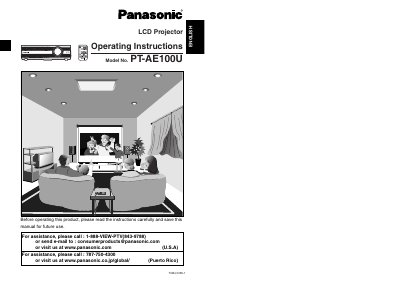
This manual provides operating instructions for the Panasonic PT-AE100U LCD Projector. It includes safety notices, preparation steps such as inserting batteries in the remote control unit, and guidance on connecting the device to various sources like video equipment and computers.
The document details basic operations including turning power on and off, navigating on-screen menus (OSD), adjusting picture settings (aspect ratio, color hue, white balance), and correcting keystone distortion. It also covers advanced options such as lamp time settings, PC priority configurations, and the use of specific functions like Digital Zoom and Shutter.
| Power Supply | 100 V - 240 V, 50 Hz/60 Hz AC |
|---|
The serial number of your product may be found on its back.
Turn off the power and disconnect the power cord from the wall outlet immediately.