
Panasonic PT-AE1000U LCD Projector Operating Instructions

This is an instruction manual for Panasonic PT-AE1000U LCD projector.
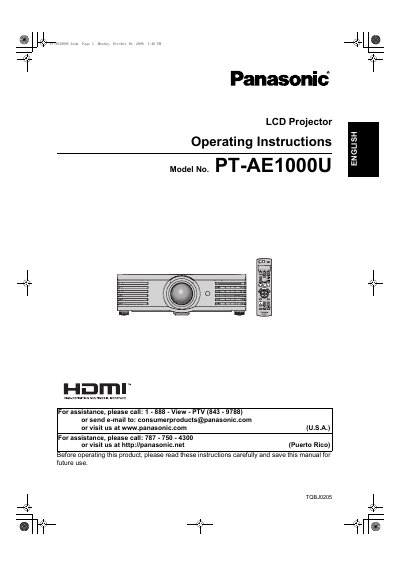

Panasonic PT-AE1000U LCD Projector Operating Instructions - cover page
Brand
Panasonic
Category
Projector
Document type
User Manual
Language
English
Pages
56
File format
PDF
File size
6 MB
Published
07 August, 2012
Updated
01 October, 2023
MD5 checksum
B13C5BBFE1024312BB383183FF6EDDC4

About this manual

This manual provides operating instructions for the Panasonic PT-AE1000U High-Definition Multimedia Interface (HDMI) LCD Projector. It includes safety notices, quick start steps, and detailed guides on setting up the device, connecting it to other equipment like PCs and video sources, and adjusting the projected image.

What's inside

  • Important Safety Notice
  • Quick Steps
  • About Your Projector
  • Getting Started
  • Basic Operation
  • Menu Navigation
  • Care and Replacement
  • Troubleshooting
  • Specifications

Specifications

Power Supply100 V - 240 V, 50 Hz/60 Hz AC

Frequently asked questions

What voltage range is required to operate this projector?

The projector is designed to operate on 100 V - 240 V, 50 Hz/60 Hz AC house current.

What type of power outlet is required for the included power cord?

The supplied accessory power cord can only be used with power supplies up to 125 V, 7 A.

What should you do if you notice smoke or strange smells from the projector?

You must disconnect the power cord plug from the wall outlet and contact an Authorized Service Center for repairs.

Download PDF (6 MB)

More Panasonic Manuals


View all Panasonic manuals →