
EIKI LC-X70 Multimedia Projector Owner's Instruction Manual

This manual introduces the operating and maintenance methods of LC-X70 projector.
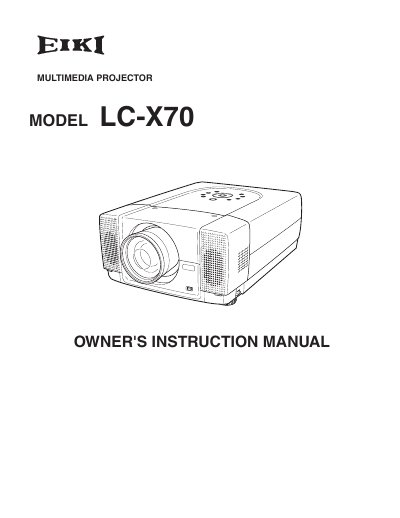

EIKI LC-X70 Multimedia Projector Owner's Instruction Manual - cover page
Brand
EIKI
Category
Projector
Document type
User Manual
Language
English
Pages
56
File format
PDF
File size
2 MB
Published
12 July, 2012
Updated
30 September, 2023
Models
LC-X70, LC-X7
MD5 checksum
537085BE9C70EC4FC320685F6B940C1F

About this manual

This document is the Owner's Instruction Manual for the EIKI LC-X70 multimedia projector. It covers safety precautions, setup procedures, and detailed operating instructions for the device's various functions. The guide explains how to connect the projector to computers and video equipment, adjust the image, and use the remote control. It also includes sections on maintenance, such as lamp replacement and air filter cleaning, as well as a troubleshooting guide for common issues.

What's inside

  • Features and Design
  • Preparation
  • Connecting Projector
  • Before Operation
  • Basic Operation
  • Computer Input
  • Picture Image
  • Maintenance
  • Troubleshooting
  • Technical Specifications

Frequently asked questions

What safety precaution is required regarding the projector's ventilation slots?

Do not cover the ventilation slot on the projector because heat build-up can reduce service life and be dangerous.

How long does the laser pointer function emit a beam when activated?

The laser pointer emits a beam for one minute while pressing the LASER button.

Download PDF (2 MB)

More EIKI Manuals


View all EIKI manuals →