
The LC-XB100/LC-XB200 is a multi-functional projector that uses built-in multimedia features, a palette of 16.77 million colors, and matrix liquid crystal display (LCD) technology, designed with the most advanced technology for portability, durability, and ease of use.
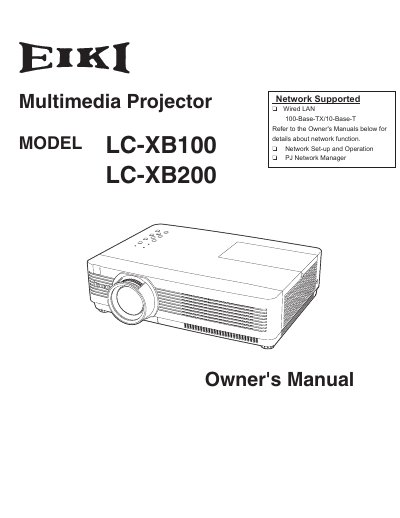
The EIKI LC-XB100 and LC-XB200 are multimedia projectors designed with advanced technology for portability, durability, and ease of use. They feature a matrix liquid crystal display (LCD) capable of displaying 16.77 million colors and support various input signals including computer RGB, video, and component inputs up to UXGA resolution.
The device includes useful functions such as digital zoom, blackboard projection mode (green only), lamp brightness control, quick termination for immediate power-off, customizable screen logos, and a multilanguage menu available in 17 languages. It also offers network management capabilities via Wired LAN and security features like key locks and PIN codes.
The operation menu is available in 17 languages: English, German, French, Italian, Spanish, Portuguese, Dutch, Swedish, Finnish, Polish, Hungarian, Romanian, Russian, Chinese, Korean, Japanese and Thai.
Yes, blackboards can be used as a projection screen, but this function is limited to Green board colors.
This feature allows you to unplug the AC power cord immediately after turning off the projector without waiting for the cooling fan rotation to finish.