
Key facts
Start here
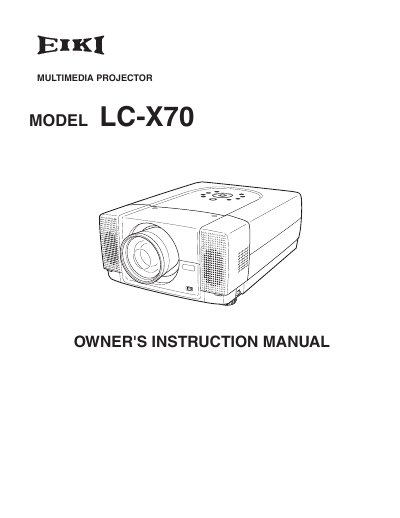
EIKI LC-X70 Multimedia Projector Owner's Instruction Manual
This document is the Owner's Instruction Manual for the EIKI LC-X70 multimedia projector. It covers safety precautions, setup procedures, and detailed operating instructions for the device's various functions. The guide explains how to connect the projector to computers and video equipment, adjust the image, and use the remote control. It also includes sections on maintenance, such as lamp replacement and air filter cleaning, as well as a troubleshooting guide for common issues.
Read onlineEIKI LC-X70 specifications
| Native resolution | 1024×768 |
|---|---|
| Lamp power | 300 W |
| Input voltage | AC 100‑120 V (5 A) or 200‑240 V (2.5 A) |
| Weight | 21.0 lb (9.5 kg) |
| Dimensions | 12.6" × 6.7" × 18.5" (319 mm × 171 mm × 470 mm) |
All EIKI LC-X70 documents by type
Day-to-day operation, settings and troubleshooting. Start here if the product is already set up.
Questions answered in these manuals
What safety precaution is required regarding the projector's ventilation slots?
Do not cover the ventilation slot on the projector because heat build-up can reduce service life and be dangerous.
From: EIKI LC-X70 Multimedia Projector Owner's Instruction Manual
How long does the laser pointer function emit a beam when activated?
The laser pointer emits a beam for one minute while pressing the LASER button.
From: EIKI LC-X70 Multimedia Projector Owner's Instruction Manual
How should the projector be placed to avoid fire or overheating?
Leave adequate space around the top, sides and back of the chassis for ventilation; maintain the minimum clearance distances indicated in the safety section.
What must be done before cleaning the projector?
Unplug the AC power cord and use a damp cloth; do not use liquid or spray cleaners.