
EIKI LC-X71/LC-X71L Multimedia Projector Owner's Manual

LC-X71/LC-X71L Multimedia Projector User Manual, introduces the features and characteristics of the product
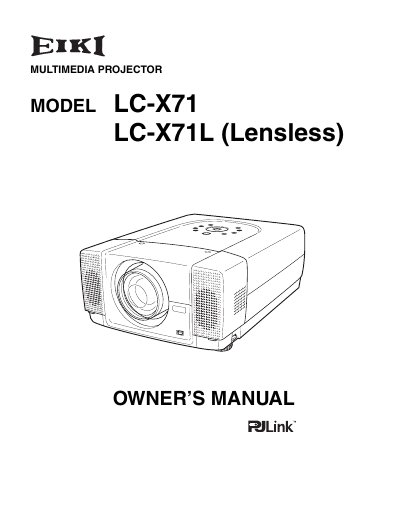

EIKI LC-X71/LC-X71L Multimedia Projector Owner's Manual - cover page
Brand
EIKI
Category
Projector
Document type
User Manual
Language
English
Pages
62
File format
PDF
File size
1.8 MB
Published
12 July, 2012
Updated
30 September, 2023
Model
LC-X7
MD5 checksum
32E10E95C7FFB7CC72802AB0B7673005

About this manual

This document serves as the Owner's Manual for the EIKI LC-X71 and LC-X71L (Lensless) multimedia projectors. It outlines essential safety instructions, including warnings regarding electric shock, fire hazards, and proper ventilation requirements to ensure safe operation and longevity of the device. The manual advises users to read the content thoroughly before operating the projector and to consult the dealer or service center if issues persist after checking the troubleshooting section.

What's inside

  • Safety Instructions
  • Compliance
  • AC Power Cord Requirement
  • To The Owner
  • Troubleshooting
  • Specifications
  • Installation
  • Operation
  • Maintenance
  • Warranty

Frequently asked questions

What safety precaution must be taken before cleaning the projector?

You must unplug the projector from the AC power supply before cleaning it.

What is the minimum clearance required on the sides and top of the projector?

The minimum clearance required on the sides and top is 38 cm (15 inches).

What should you do if the projector seems to operate improperly?

Read the manual again, check operations and cable connections, and try the solutions in the Troubleshooting section.

Download PDF (1.8 MB)

More EIKI Manuals


View all EIKI manuals →