
This is an owner's instruction manual for the LC-XT3 multimedia projector. The manual provides information on how to properly operate and maintain the projector. It also includes cautionary notes and safety precautions. The projector is equipped with convenient features and functions, and operating it correctly ensures its longevity and prevents malfunctions and accidents.
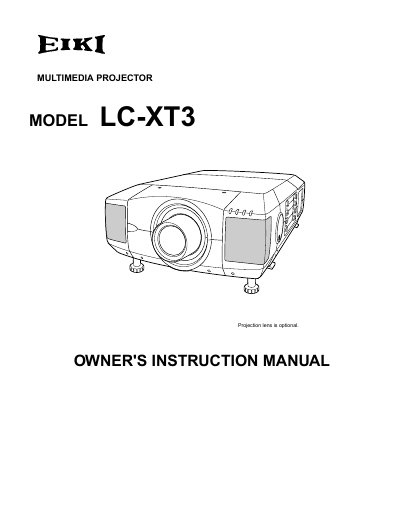
The EIKI LC-XT3 is a multimedia projector designed for computer and video display applications. This owner's instruction manual covers safety precautions, installation procedures, and basic operating functions including lens adjustment, image settings, and menu navigation.
The document details how to connect the projector to various input sources such as computers and video equipment. It also provides specific instructions for using the on-screen menu system to adjust picture levels, keystone correction, and zoom functions.
No, you should not use liquid or aerosol cleaners; instead, use a damp cloth.
Staring directly into the lens can cause eye damage due to intense light.