
This document is the owner's instruction manual for the LC-X4a multimedia projector, which describes the features and functions of the projector, as well as safety precautions to be taken during operation.
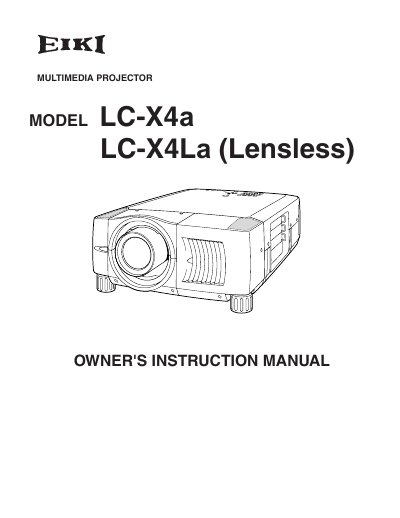
This Owner's Instruction Manual covers the EIKI LC-X4a and LC-X4La (Lensless) multimedia projectors. It details safety precautions, setup procedures including lens installation and positioning, and explains how to connect the projector to computers and video equipment. The guide also describes how to operate the on-screen menu, adjust picture settings, and use the remote control and laser pointer functions.
| Product Type | Multimedia Projector |
|---|---|
| Models Covered | LC-X4a LC-X4La |
Read the manual again, check operations and cable connections, and try the solutions in the 'Trouble-shooting' section.
No, do not attempt to service the projector yourself as opening covers may expose you to dangerous voltage.