
This manual is the instruction manual for LC-X1100 projector.
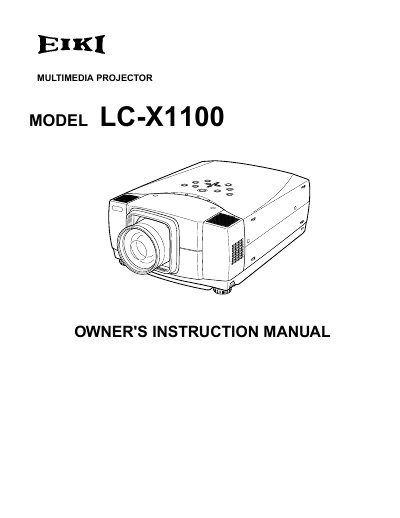
The document serves as an owner's instruction manual for the EIKI LC-X1100 multimedia projector. It covers essential safety precautions regarding ventilation, laser pointers, and electrical hazards before operation begins.
The guide details the physical features of the unit, including adjustable feet and lens controls, and explains how to connect the projector to various input sources such as computers and video equipment. It also provides step-by-step instructions for using the remote control, adjusting picture settings via the on-screen menu, and performing basic maintenance tasks like cleaning air filters and replacing the lamp.
| Product Type | Multimedia Projector |
|---|
You must unplug the projector from the AC power supply before cleaning it.
You must maintain a minimum distance of 80cm on the sides of the projector.
The laser beam is emitted for 1 minute while the LASER button is pressed.