
This document is the owner's instruction manual for the LC-X5 multimedia projector, describing the features and functions of the product. The document reminds users to operate the projector properly and provides troubleshooting solutions.
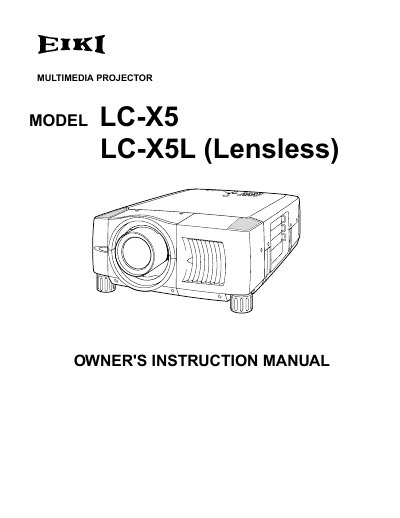
The document serves as an owner's instruction manual for the EIKI LC-X5L (Lensless) Multimedia Projector. It covers safety precautions, features, and design details before guiding users through preparation steps such as lens installation and positioning.
Subsequent sections detail how to connect the projector to various input sources including computers and video equipment, adjust picture settings like zoom and focus, and operate the on-screen menu system. The guide also includes instructions for maintenance tasks like lamp replacement and air filter cleaning.
Do not stare directly into the lens as eye damage could result.
Take appropriate space on the top, sides and rear of the projector cabinet for allowing air circulation.