
This manual introduces the operation methods of LC-X60 multimedia projector.
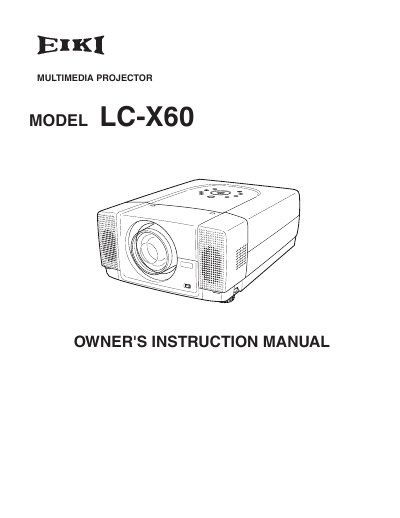
The document serves as the owner's instruction manual for the EIKI LC-X60 multimedia projector. It covers safety precautions, preparation steps including power cord connection and positioning, and detailed instructions on connecting to computers and video equipment.
Key operational topics include turning the projector on and off, adjusting screen settings such as zoom, focus, lens shift, and keystone correction, and utilizing features like picture freeze and P-Timer. The guide also explains how to use the remote control and navigate the on-screen menu.
Read the manual again, check operations and cable connections, try solutions in the 'Trouble-shooting' section, or contact the sales dealer.
No, users should not attempt to service the projector as opening covers may expose them to dangerous voltage; refer servicing to qualified personnel.
The supplied cord must be listed by Underwriters Laboratories (UL) and certified by the Canadian Standard Association (CSA).