
LC-W4 is a multimedia projector from Epson
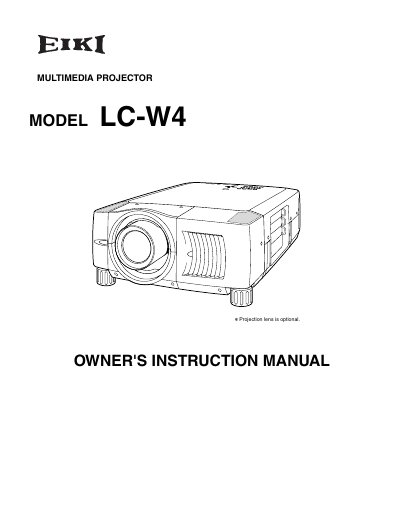
The EIKI LC-W4 is a multimedia projector designed for projecting images from various computer and video sources. This owner's instruction manual covers safety precautions, physical setup including lens installation and positioning, and connecting power cords to different input devices such as computers and video equipment.
The guide details how to operate the projector using its on-screen menu system and remote control. It also includes instructions for adjusting picture settings like zoom, focus, keystone correction, and image level. Furthermore, it provides essential maintenance information regarding air filter care, lamp management, and replacement procedures.
| Product Type | Multimedia Projector |
|---|---|
| Model Number | LC-W4 |
Read the manual again, check operations and cable connections, try solutions in the Troubleshooting section, or contact the dealer.
No, do not open or remove covers as it may expose you to dangerous voltage; refer all servicing to qualified service personnel.
They should be returned for recycling (KCA) rather than thrown away when empty.