
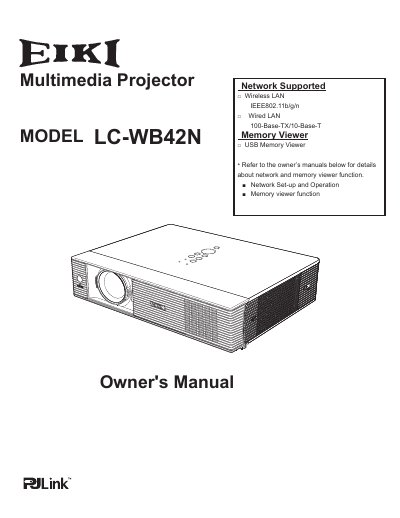
The EIKI LC-WB42N is a compact multimedia projector designed with advanced technology for portability and ease of use. It features a matrix liquid crystal display (LCD) capable of 360-degree projection and supports up to WUXGA resolution. The device includes built-in wireless and wired LAN functions, allowing network management and file transmission from computers.
| Resolution Support | Up to WUXGA resolution |
|---|---|
| Color Depth | 16.77 million colors |
| Wireless LAN Standard | IEEE802.11b/g/n |
| Wired LAN Speed | 100-Base-TX/10-Base-T |
Yes, the projector is capable of 360-degree projection, though some restrictions may apply.
Yes, you can insert a dedicated USB memory into the projector to view images or movie files stored within.
The operation menu is available in 17 languages, including English, German, French, and others.