
This document is the owner's instruction manual for the LC-W3 multimedia projector. The manual includes safety precautions, operating instructions, troubleshooting, and more.
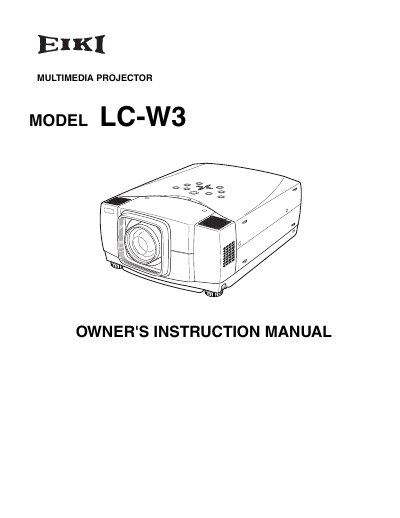
The document is an owner's instruction manual for the EIKI LC-W3 multimedia projector. It emphasizes proper operation to ensure product longevity and safety, warning against improper use that could lead to malfunctions or fire hazards.
Key sections cover safety instructions regarding ventilation, electrical shock prevention, and environmental conditions. The manual also includes compliance information such as FCC notices and specific warnings about not using the device in computer rooms defined by ANSI/NFPA 75.
You must maintain a minimum clearance of 3.3 feet (1 meter) on the top, sides, and rear of the projector cabinet.
You should unplug the projector from the power outlet to prevent damage from lightning and power line surges.
The socket-outlet should be installed near the equipment and easily accessible.