
This manual provides instructions on how to install, use, and maintain the LC-X50M multimedia projector.
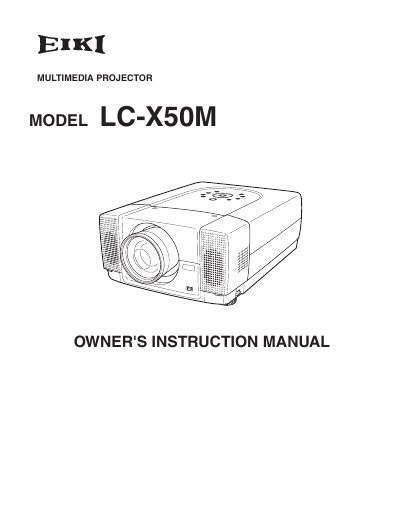
The document serves as an owner's instruction manual for the Eiki LC-X50M multimedia projector. It covers essential safety precautions, including warnings about intense light from the projection lens and proper ventilation requirements to prevent overheating.
The guide details the preparation and setup of the device, explaining how to connect AC power cords, position the projector using adjustable feet, and install it in a proper location. It further instructs users on connecting the projector to various terminals, including computers and video equipment.
Do not stare directly into the lens as eye damage could result, and ensure children do not stare directly into the beam.
The openings in the back and bottom of the cabinet are provided for ventilation to insure reliable operation.