
This manual introduces the features and usage of the LC-WB40N Multimedia Projector. The LC-WB40N Multimedia Projector features a compact design, durability, and ease of use.
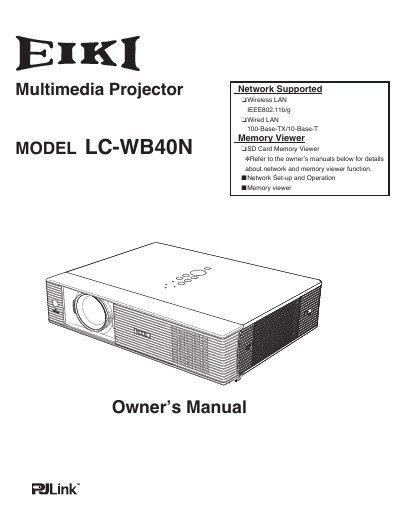
The EIKI LC-WB40N is a compact multimedia projector designed with advanced LCD technology, supporting 16.77 million colors and up to UXGA resolution. It features built-in wireless and wired LAN capabilities for network connectivity and management, as well as an SD card memory viewer function.
The projector supports 16 languages including English, German, French, Italian, Spanish, Portuguese, Dutch, Swedish, Finnish, Polish, Hungarian, Romanian, Russian, Chinese, Korean, and Japanese.
The operation menu is available in 16 languages, including English, German, French, Italian, Spanish, Portuguese, Dutch, Swedish, Finnish, Polish, Hungarian, Romanian, Russian, Chinese, Korean, and Japanese.
Yes, the AC power cord can be unplugged immediately after turning off the projector without waiting for the termination of the cooling fan rotation.