
This user manual introduces the features and characteristics of the 8755G-RJ and 8912-RJ portable LCD projectors.
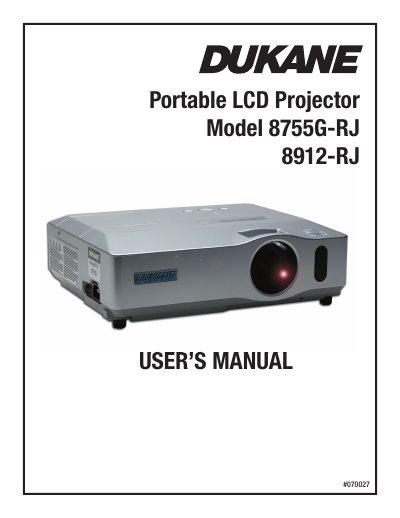
The Dukane 8755G-RJ/8912-RJ is a portable LCD projector designed to produce large projected images from short distances with minimal installation space. It features various I/O ports, low noise operation, and capabilities for projecting diverse picture signals including video and computer inputs.
This manual covers the complete user experience, starting with safety warnings and package contents, followed by detailed setup instructions such as arrangement, connecting devices, and power supply usage. It also explains how to operate the projector using the control panel or remote control, adjust settings via multiple menus (Picture, Image, Input, Setup), perform maintenance like lamp replacement and air filter cleaning, and troubleshoot common issues.
| Product Type | Portable LCD Projector |
|---|
You must keep a space of 30 cm or more between the sides.