
This is a user manual for a liquid crystal projector, including safety precautions and operation instructions.
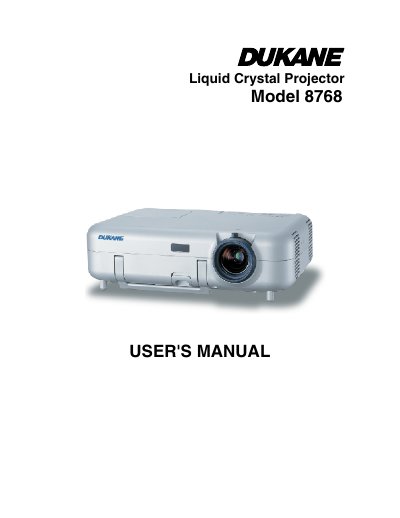
This document is the User's Manual for the NEC 8768 Liquid Crystal Projector. It covers safety precautions, installation, and connection methods for various input sources including computers, DVD players, and VCRs. The guide details how to operate the projector, adjust image settings, and utilize convenient features such as the pointer and chalkboard function.
| Power Supply | 100-240 V 50/60 Hz AC |
|---|---|
| Acoustic Noise | less than 70 dB (A) |
Allow a minimum of 10 seconds to elapse after turning off the projector, then turn off the main power switch and disconnect the power cable.
Continue to use the projector; the static background from previous images will disappear over time.