
This document is a user's guide that describes the features and characteristics of the Model 8759 Audio Visual Products DLP™ Projector.
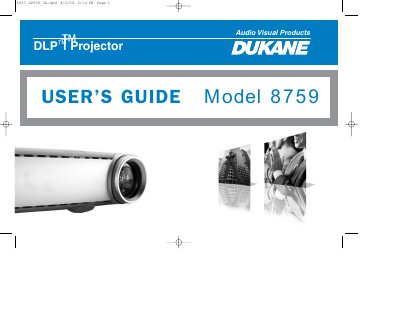
The Dukane 8759 is a DLP projector designed for computer and video inputs with XGA 1024x768 resolution. It features an interactive display on the top for status feedback and supports various connection types including VESA, S-video, composite, and audio inputs. The device also includes a USB connector for playing JPEG images directly via the LitePort player without a computer.
| Resolution | XGA 1024x768 |
|---|---|
| Placement angle | 15 degrees off axis |
| Distance from vents | 4 feet (1.2m) |
The projector provides XGA 1024x768 resolution.
It should be placed in a horizontal position no greater than 15 degrees off axis.
Yes, you can use the USB connector and LitePort player to display JPEG images automatically.