
Dukane 28A8757 LCD Projector User Guide

This is the user manual of 28A8757 projector, including product features, specifications, usage methods, precautions, etc.
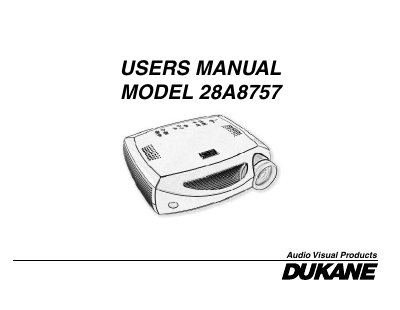

Dukane 28A8757 LCD Projector User Guide - cover page
Brand
Dukane
Category
Projector
Document type
User Manual
Language
English
Pages
46
File format
PDF
File size
1.5 MB
Published
12 July, 2012
Updated
01 October, 2023
MD5 checksum
A88CAAF9FA167161B1AAE25551C8303E

About this manual

The Dukane 28A8757 is a digital projector featuring XGA (1024x768) resolution. The manual details how to connect the device to computers and video sources using various cables, including USB for mouse control and audio inputs. It also explains how to use the included remote control and keypad buttons to adjust settings.

What's inside

  • Introduction
  • Connecting a computer
  • Displaying a computer image
  • Using the remote control
  • Optimizing computer images
  • Presentation features
  • Maintenance
  • Specifications

Specifications

Warranty PeriodFive years

Frequently asked questions

What is the warranty period for this projector?

The projector is warranted against defects in material and workmanship for five years from the original purchase date.

What is the resolution of the Dukane 28A8757 projector?

The projector has an XGA resolution of 1024x768.

What is the wavelength and maximum output of the laser radiation in the remote control?

The laser radiation has a wavelength of 650nm and a maximum output of 1mW.

How long is the limited warranty for the Dukane 28A8757 projector?

The projector is warranted for a period of five years from the original purchase date.

Download PDF (1.5 MB)

More Dukane Manuals


View all Dukane manuals →