
This manual introduces the features and controls of the 8760/8761 portable projector
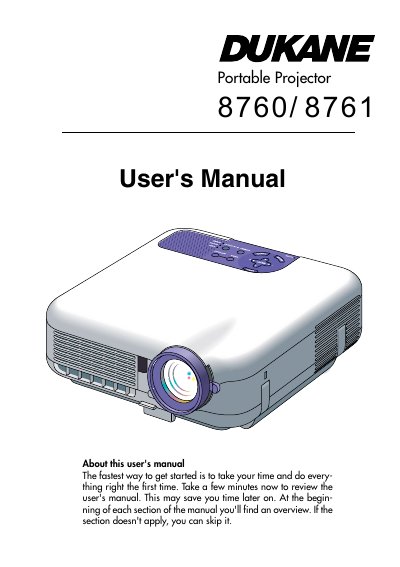
The Dukane 8760/8761 is a high-brightness portable projector designed for projecting images from various sources such as PCs, Macs, VCRs, DVD players, and document cameras. It features a newly developed 3D Reform function to correct trapezoidal distortion and supports wireless networking and remote mouse control.
| Lamp Power | 220 W DC standard |
|---|---|
| Image Size | 30 inches - 500 inches diagonal |
| Video Compatibility | NTSC, PAL, SECAM, HDTV |
Press and hold the POWER button for a minimum of two seconds.
It allows you to correct trapezoidal distortion so the image is square even when the projector is positioned off-center.
You should replace it when the LAMP indicator blinks red rapidly, indicating the lamp has exceeded 2000 hours of service.