
This document is the operating guide for the 8776 projector. It introduces the basic usage methods and precautions of the projector
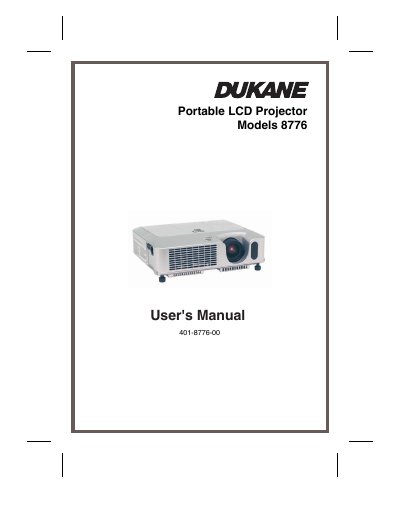
The Dukane 8776 is a portable LCD projector featuring a 200W Ultra High Brightness (UHB) lamp and Whisper mode for low-noise operation. It supports various input signals including NTSC/PAL/SECAM, Component (SD, HD) video, and computer signals, designed for use in bright rooms or low-luminance environments. The device includes a compact body with an elevator foot for height adjustment and a security bar for anti-theft protection.
| Lamp Power | 200W |
|---|---|
| Supported Video Standards | NTSC/PAL/SECAM |
| Supported Video Signals | Component (SD, HD) |
| Noise Reduction Mode | WHISPER mode |
Push the Restart switch using a cocktail stick or similar tool after letting the projector cool down for at least 10 minutes.
Fasten the lens cap to the projector using the strap by fixing the strap to the strap ring and pushing the rivet into the strap hole.