
This is a liquid crystal projector user manual, which introduces the features of the product, including brightness, zoom, focus, P in P, etc
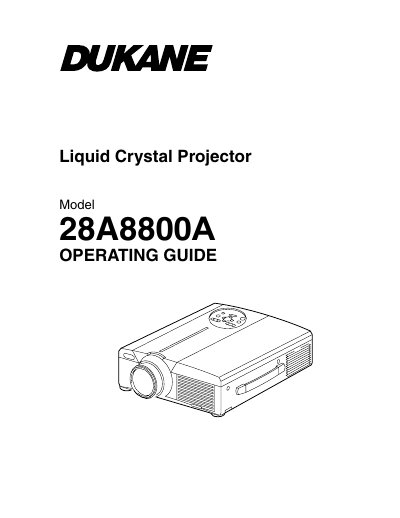
This document is the User's Guide (Operating Guide) for the Dukane ImagePro 8800A Liquid Crystal Projector. It provides instructions on how to use the device to project various computer signals as well as NTSC/PAL/SECAM video signals onto a screen. The guide highlights features such as outstanding brightness, partial magnification, distortion correction, power zoom/focus, and USB connectivity.
| Supported Video Signals | NTSC/PAL/SECAM |
|---|---|
| Warranty Period | five (5) years |
The dealer should clean the interior approximately every two years.
This liquid crystal projector is used to project various computer signals as well as NTSC/PAL/SECAM video signals onto a screen.
The dealer should clean the interior of the projector approximately every two years to prevent fire or malfunction.
When installing this projector, you must ensure the ventilation openings are at least 10cm from the wall.