
Key facts
Start here
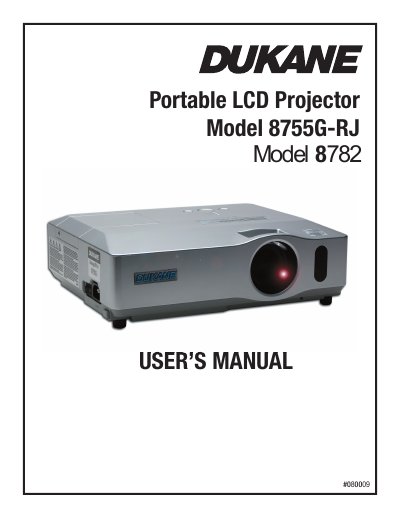
Dukane 8755G-RJ/8782 Portable LCD Projector User's Manual
This document is the User's Manual for the Dukane 8755G-RJ and 8782 Portable LCD Projectors. It covers safety warnings, package contents, and detailed instructions on setting up the projector, connecting devices, and using the remote control. The guide explains how to adjust picture settings, use various menu functions, and operate the projector in different environments.
Read onlineAll Dukane 8755G documents by type
Day-to-day operation, settings and troubleshooting. Start here if the product is already set up.
Questions answered in these manuals
How much space must be kept between the projector sides and other objects?
You must keep a space of 30 cm or more between the sides.
From: Dukane 8755G-RJ/8912-RJ Portable LCD Projector User's Manual
What screen size and projection distance are required for a 100-inch diagonal screen?
For a 100-inch diagonal screen, the minimum projection distance is 2.5 meters and the maximum is 3.0 meters.
From: Dukane 8755G/8912/8913 Portable LCD Projector User's Manual
How much space must be kept between the projector sides and walls?
You must keep a space of 30 cm or more between the sides of the projector and other objects such as walls.
From: Dukane 8755G/8912/8913 Portable LCD Projector User's Manual
What safety precautions should be taken regarding the projector's heat?
Do not touch the lamp cover or exhaust vents during use because they become too hot, and do not look into the lens while the lamp is on.
From: Dukane 8755G-RJ/8782 Portable LCD Projector User's Manual
How should the air filter be maintained to prevent overheating?
You must maintain normal ventilation by keeping the intake vents clear of obstructions and cleaning the air filter periodically.
From: Dukane 8755G-RJ/8782 Portable LCD Projector User's Manual