
Dukane 8766 Liquid Crystal Projector User's Manual

This is a user manual of Dukane 8766 Liquid Crystal Projector. This manual introduces the usage of the machine, safety precautions, warnings and attentions.
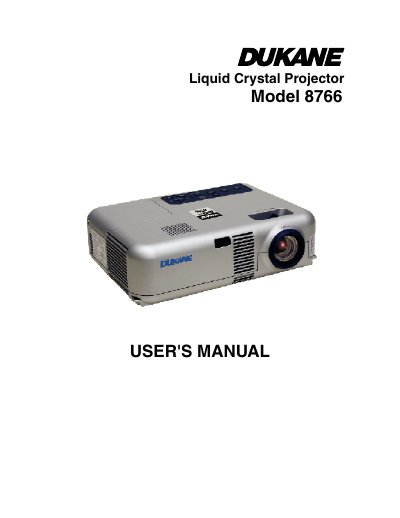

Dukane 8766 Liquid Crystal Projector User's Manual - cover page
Brand
Dukane
Category
Projector
Document type
User Manual
Language
English
Pages
38
File format
PDF
File size
2.7 MB
Published
12 July, 2012
Updated
30 September, 2023
MD5 checksum
CBAD37C6C36BFACEB63F57C9964E20F1

About this manual

The Dukane Model 8766 is a liquid crystal projector designed to display images from various sources such as computers, DVD players, VCRs, and laser disc players. The manual covers essential safety precautions, including warnings about electrical shock, fire hazards, and proper ventilation requirements to ensure the device operates safely.

What's inside

  • Important Information
  • What's in the Box?
  • Introduction to the Projector
  • Installation and Connections
  • Projecting an Image (Basic Operation)
  • Convenient Features
  • Using On-Screen Menu
  • Maintenance
  • Troubleshooting
  • Specifications

Specifications

Power Supply100-120 or 200-240 V 50/60 Hz AC
Acoustic Noise LevelLess than 70 dB (A)

Frequently asked questions

How long must you wait after turning off the projector before replacing the lamp?

You must allow a minimum of 60 minutes to cool the projector before replacing the lamp.

What is the operating voltage range for the projector?

The projector is designed to operate on a power supply of 100-120 or 200-240 V 50/60 Hz AC.

Download PDF (2.7 MB)

More Dukane Manuals


View all Dukane manuals →