
Dukane 8761A Portable LCD Projector User's Manual

This manual mainly introduces the use of the 8761A model portable LCD projector.
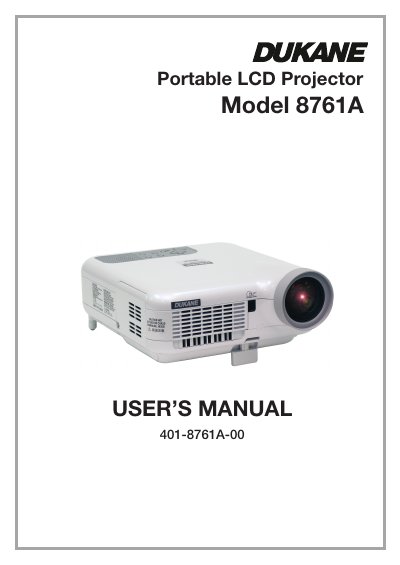

Dukane 8761A Portable LCD Projector User's Manual - cover page
Brand
Dukane
Category
Projector
Document type
User Manual
Language
English
Pages
142
File format
PDF
File size
7.8 MB
Published
12 July, 2012
Updated
30 September, 2023
MD5 checksum
9C9636E3FB080B00645D93EE1D0984A3

About this manual

The Dukane 8761A is a portable LCD projector designed for displaying computer images and multimedia content. The document covers setup procedures including connecting various input sources such as PCs, Macintosh computers, DVD players, VCRs, and network devices. It also details the operation of features like keystone correction, image freezing, and the integrated viewer function.

What's inside

  • Introduction
  • Installation and Connections
  • Projecting an Image (Basic Operation)
  • Convenient Features
  • Using the Viewer
  • Using On-Screen Menu
  • Maintenance

Frequently asked questions

What is the operating voltage for this projector?

The projector is designed to operate on a power supply of 100-240V AC 50/60 Hz.

How much space is required between the projector and a wall?

Ensure there is at least 4 inches (10 cm) of space between your projector and a wall to prevent heat buildup.

How long must you wait after turning off the projector before replacing the lamp?

You must allow a minimum of 90 seconds to elapse after turning off the projector, then disconnect power and allow 60 minutes for cooling.

Download PDF (7.8 MB)

More Dukane Manuals


View all Dukane manuals →