
DUKANE 8758/8772 user manual

This manual introduces the use of the ImagePro 8758/8772 projector.
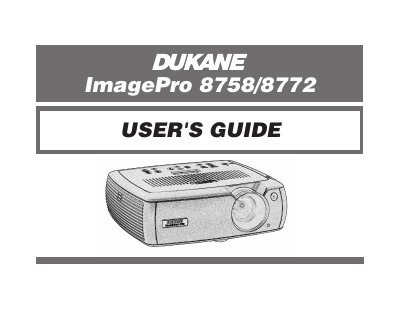

DUKANE 8758/8772 user manual - cover page
Brand
Dukane
Category
Projector
Document type
User Manual
Language
English
Pages
48
File format
PDF
File size
2.5 MB
Published
12 July, 2012
Updated
01 October, 2023
MD5 checksum
AE8D22E3AA1D9678B4463B89F3DC0572

About this manual

This manual provides instructions for setting up and operating InFocus digital projectors. It details how to connect the projector to computers and video devices using various inputs such as VGA, S-Video, and composite RCA connectors. The guide also explains how to use the interactive display on top of the unit to monitor status.

What's inside

  • Introduction
  • Connecting a computer
  • Displaying a computer image
  • Using the keypad buttons
  • Using the remote control
  • Optimizing computer images
  • Maintenance
  • Troubleshooting your setup

Specifications

ResolutionXGA 1024x768

Frequently asked questions

Which projector models does this guide apply to?

This user's guide applies to models LP540, LP640, GEN200, and GEN201.

What safety precaution is needed regarding the lamp?

In the unlikely event of the lamp rupturing, discard any edible items placed in the surrounding area and thoroughly clean the area.

Download PDF (2.5 MB)

More Dukane Manuals


View all Dukane manuals →