
This document is the user manual for Dukane Portable LCD Projector Models 8767A, 8769, 8771, 8070. It mainly introduces the safety precautions for using the product, including power connection, power on and off, and maintenance.
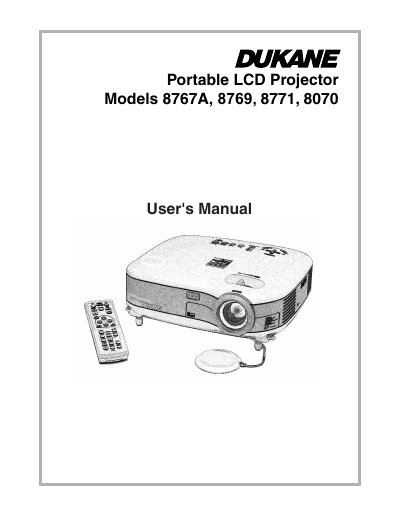
This user's manual covers the operation, installation, and maintenance of Dukane portable LCD projectors, specifically models 8767A, 8769, 8771, and 8070. It includes detailed safety precautions, setup instructions for connecting various devices like PCs and DVD players, and guidance on using the on-screen menu system to adjust picture and sound settings.
| Power Supply | 100-240V AC 50/60 Hz |
|---|---|
| Acoustic Noise | less than 70 dB (A) |
Allow a minimum of 30 seconds to elapse after turning off the projector, then turn off the main power switch and disconnect the power cable.
Replace the lamp immediately, as continued use may cause the bulb to shatter and scatter glass pieces.