
This document is the user manual for the LCD Projector Model 8776-W, including technical information and networking operation guide. Before using this product, please read the 'User's Manual - Safety Guide' and related manuals to ensure proper use of the product. This manual provides detailed descriptions of the features and characteristics of the product.
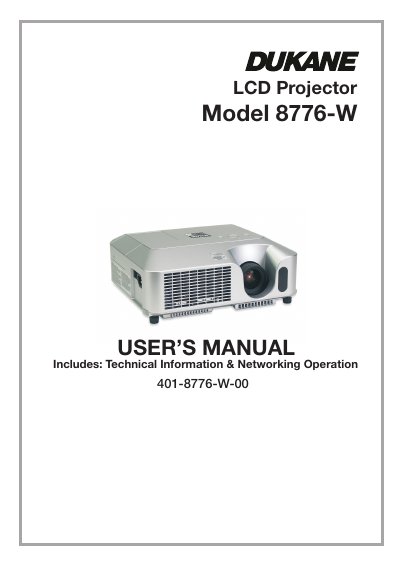
The Dukane 8776-W is a compact LCD projector featuring a high-brightness 200W UHB lamp suitable for use in fully lighted rooms. It supports various input signals including NTSC/PAL/SECAM, Component video (SD and HD), and computer graphics. The device includes Whisper mode to reduce acoustic noise and offers rich connectivity via multiple I/O ports.
| Lamp Power | 200W UHB lamp |
|---|---|
| Supported Video Standards | NTSC/PAL/SECAM, Component SD/HD |
| Noise Reduction Mode | WHISPER mode |
The WARNING symbol indicates information that could result in personal injury or death, while the CAUTION symbol indicates information that could result in physical damage.
The package includes the projector, remote control with batteries, power cord, RGB cable, audio/video cable, soft case, manuals, lens cover, wireless network card, and slot cover lock.
Push the Restart switch using a cocktail stick or similar tool, then allow the projector to cool down for at least 10 minutes before turning it on again.