
This document is the user manual for the portable LCD projector model 8755G/8912/8913, providing information on the features and operating guide of the product.
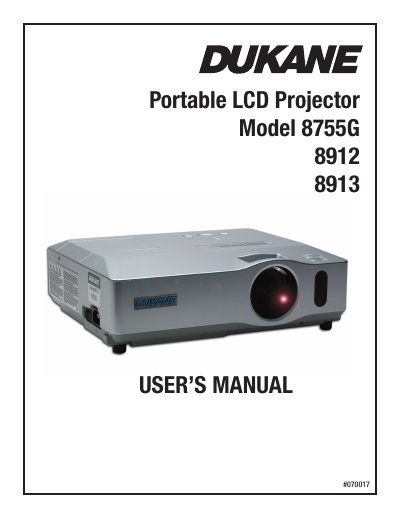
This user manual covers the Dukane 8755G, 8912, and 8913 portable LCD projectors, detailing their features, control panels, and remote controls. It guides users through initial setup, including arranging the projector, connecting devices, and utilizing the security bar and slot. The document explains how to operate the projector, adjust settings via the EASY MENU and advanced menus, and use features like automatic adjustment and keystone correction.
For a 100-inch diagonal screen, the minimum projection distance is 2.5 meters and the maximum is 3.0 meters.
You must keep a space of 30 cm or more between the sides of the projector and other objects such as walls.
The maximum recommended screen height for a 150-inch diagonal screen is 5.8 meters.