
This manual describes the features and characteristics of the 28A8755B projector, including the projector's functions, preparations, part names, setting up the projector, connecting devices, using the remote control, turning on the power, turning off the power, adjusting the volume, temporarily muting the sound, adjusting the position, using the automatic adjustment function, correcting keystone distortion, using the magnification function, freezing the screen, signal search, selecting the aspect ratio, temporarily blanking the screen, using the menu functions, operating the PC screen, the lamp, the air filter, and other maintenance
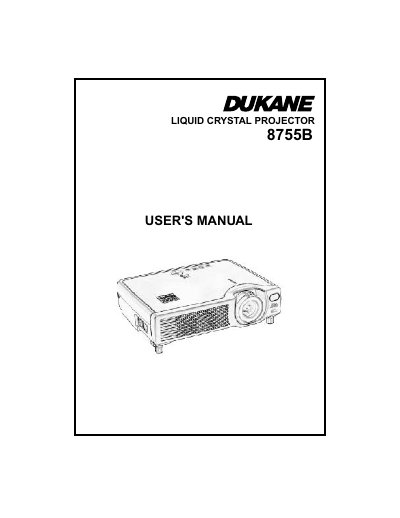
The Dukane 28A8755B is a Liquid Crystal Projector designed to project computer signals as well as NTSC/PAL/SECAM video signals onto a screen. The manual details the necessary preparations, including checking included items like the power cord and remote control batteries.
| Signal Compatibility | computer signals as well as NTSC / PAL / SECAM video signals |
|---|---|
| Elevator Feet Adjustment Range | 0 to 9 degrees |
The projector (with Lens Cap), User's Manuals, Safety Instructions, Power cord (UK Type), RGB cable, USB mouse cable, Video/Audio cable, and Remote control.
Press and hold in the elevator buttons, raise or lower the projector to the desired height, then release the buttons.