
Dukane 8755E Portable LCD Projector User's Manual

This document is the user manual for the Portable LCD Projector Model 8755E, providing instructions for use and safety guidelines.
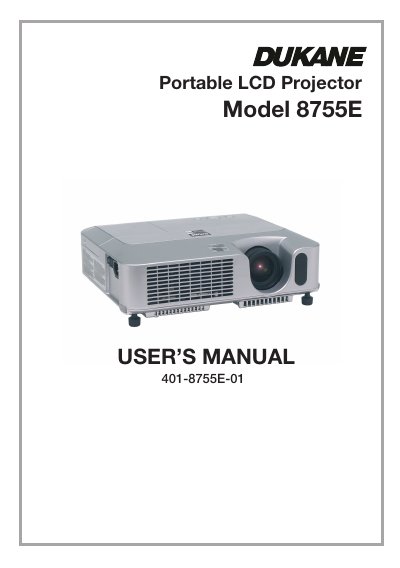

Dukane 8755E Portable LCD Projector User's Manual - cover page
Brand
Dukane
Category
Projector
Document type
User Manual
Language
English
Pages
82
File format
PDF
File size
6.9 MB
Published
12 July, 2012
Updated
28 September, 2023
Model
8755E
MD5 checksum
10E9F25F4D0C064213D56D9F988CD0EC

About this manual

The Dukane 8755E is a compact and slim portable LCD projector designed to project computer signals as well as NTSC/PAL/SECAM and Component video signals. It features a newly developed 200W Ultra High Brightness (UHB) lamp for high brightness in bright rooms, or a WHISPER mode for quieter operation in low luminance environments.

What's inside

  • Projector features
  • About contents of package
  • Fastening the lens cover
  • Part names
  • Control buttons
  • Remote control
  • Setting up
  • Connecting your devices
  • Operating
  • Maintenance

Frequently asked questions

What happens if the projector does not operate correctly?

You can reset the internal microprocessor by pushing the Restart switch with a cocktail stick or similar object after letting the projector cool down for at least 10 minutes.

What types of video signals can this projector display?

The device projects computer signals as well as NTSC, PAL, SECAM, and Component (SD or HD) video signals.

How much time must the projector cool down before resetting the microprocessor?

You must let the unit cool for at least 10 minutes without operating it before pushing the Restart switch.

What is the wattage of the lamp used in this model?

The projector uses a newly developed 200W UHB (Ultra High Brightness) lamp.

Download PDF (6.9 MB)

More Dukane Manuals


View all Dukane manuals →