
This document is the operating manual for the 8755D portable LCD projector.
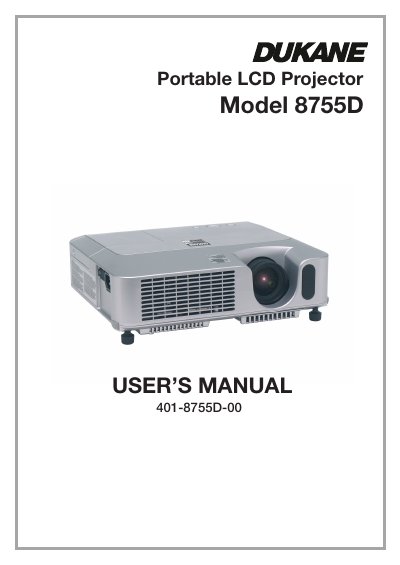
The Dukane 8755D is a compact, high-brightness portable LCD projector designed to project computer signals and NTSC/PAL/SECAM video onto a screen. It features an Ultra High Brightness (UHB) lamp for clear images in bright rooms and includes WHISPER mode for quieter operation in low-luminance environments.
| Lamp Type | 180VW UHB (Ultra High Brightness) lamp |
|---|---|
| Supported Video Standards | NTSC/PAL/SECAM, Component (SD, HD) |
| Noise Reduction Mode | WHISPER mode |
The WHISPER mode reduces acoustic noise to allow for quieter operation, which is ideal for low luminance rooms.
Push the Restart switch using a tooth pick or similar tool, then let the projector cool down at least 10 minutes before turning it on again.
The Security Bar is used for attaching a commercial anti-theft chain or wire to secure the projector.