
This manual describes the features, characteristics and usage of the 28A8755A liquid crystal projector.
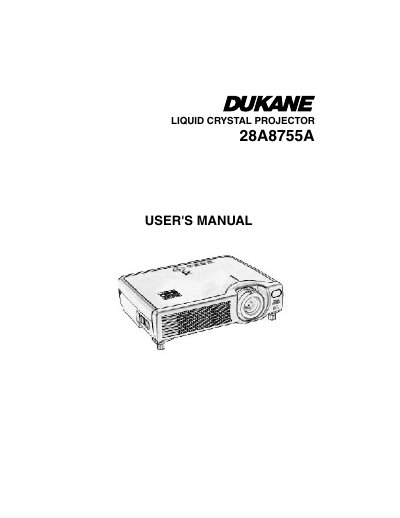
The Dukane 28A8755A is a liquid crystal projector designed to display computer signals as well as NTSC/PAL/SECAM video signals. Key features include ultra-high brightness, keystone distortion correction, partial magnification, and whisper mode for quieter operation.
This manual covers preparations, part names, setup procedures including connecting devices and adjusting the position, remote control usage, power management, screen adjustments like freezing and blanking, lamp care, and air filter maintenance.
| Supported Video Signals | NTSC / PAL / SECAM video signals |
|---|---|
| Elevator Feet Adjustment Range | 0 to 9 degrees |
Press and hold the elevator buttons on the remote, raise or lower the unit to the desired height, then release the buttons to lock it in place. You can also finely adjust by twisting the feet.
The Dukane LCD projector is warranted against defects in material and workmanship for five (5) years from the original purchase date.