
This manual introduces the features, usage, installation, maintenance, etc. of the liquid crystal projector 28A8751
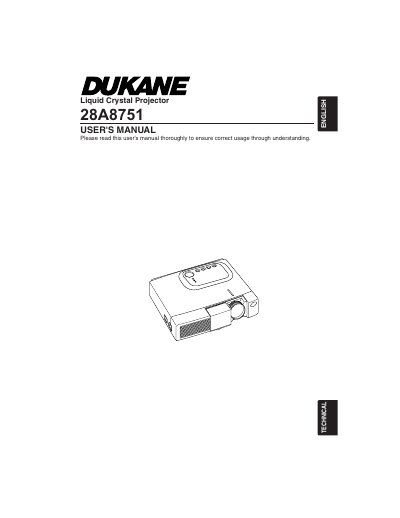
The Dukane 28A8751 is a Liquid Crystal Projector. This user's manual explains how to use the device correctly, covering setup, operation, and maintenance procedures to ensure safe usage and prevent damage.
The document emphasizes strict adherence to safety precautions regarding high temperatures, electrical shock risks, and proper handling of the light source lamp. It details requirements for ventilation, power cord connection, and cleaning to maintain optimal performance.
Immediately turn off the power switch and disconnect the power plug from the power outlet, then contact your dealer.
One must turn off the projector and remove the AC cord, then wait 45 minutes to let the lamp cool.
The dealer should clean the inside about every two years.