
DUKANE 28A8747 user manual

User's Guide introduces the functions of ImagePro 8747 Projector
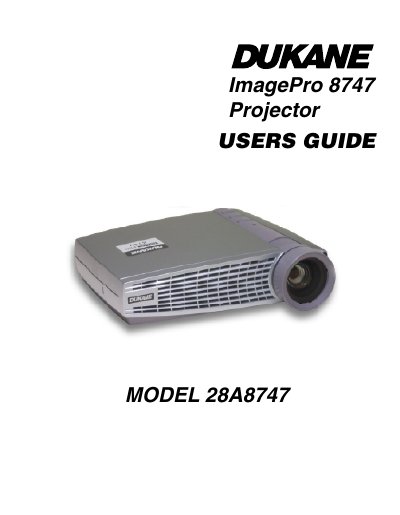

DUKANE 28A8747 user manual - cover page
Brand
Dukane
Category
Projector
Document type
User Manual
Language
English
Pages
64
File format
PDF
File size
1.9 MB
Published
12 July, 2012
Updated
01 October, 2023
MD5 checksum
A397A3CD84D91D22D307AC202ED1D747

About this manual

This document is the User's Guide for the Dukane ImagePro 8747 LCD projector, model 28A8747. It provides instructions on safety, unpacking, and setting up the projector by connecting computers and video players. The guide details how to power up the unit, adjust the image, and use the remote control and on-screen menus for display, image, and control settings.

What's inside

  • Safety Instructions
  • Setting up the Projector
  • Using the Projector
  • Using the Remote Control
  • Using the On-Screen Menus
  • Maintenance & Troubleshooting
  • Specifications
  • Accessories

Frequently asked questions

What is the warranty period for this projector?

The projector is warranted for five years from the original purchase date against defects in material and workmanship.

How long must one wait before opening the lamp access grill?

You must wait 30 minutes before opening the lamp access grill to avoid burns.

Is an Earth ground required for the power cord?

No, the projector employs double insulation which does not require an Earth ground.

Download PDF (1.9 MB)

More Dukane Manuals


View all Dukane manuals →