
Dukane 8746A DLP Projector User Guide

This is a user manual for a product with model number 8746A
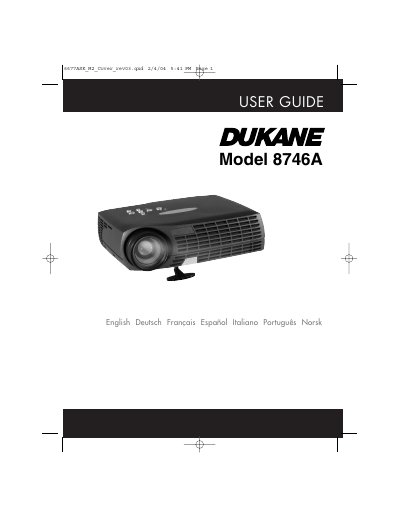

Dukane 8746A DLP Projector User Guide - cover page
Brand
Dukane
Category
Projector
Document type
User Manual
Language
English
Pages
44
File format
PDF
File size
1.8 MB
Published
12 July, 2012
Updated
30 September, 2023
MD5 checksum
EBF4B5DDA9F9B6534F58F19F98AE3781

About this manual

The Dukane 8746A is a DLP projector supplied with an M1-A computer cable, audio cable, SCART adapter, and remote control. The manual details the setup procedure for connecting the projector to a computer via USB or to a composite video source using the supplied cables. It also covers power management settings, image adjustments, and the use of the remote control and keypad.

What's inside

  • Supplied Material
  • Setup Procedure
  • Image Adjustments
  • Remote Control & Keypad
  • Troubleshooting
  • Technical Data
  • Lamp Replacement
  • Maintenance

Frequently asked questions

What cables are supplied with the Dukane 8746A projector?

The package includes an M1-A Computer Cable/USB, a power cord, an audio cable, and a C-Video/audio cable.

How do you connect the projector to use computer sound?

You must use the supplied audio cable (C) and plug it into the Audio In port.

What is required to use the Previous and Next buttons on the remote control?

You must connect the USB cable (A) from the projector to the USB port connector on your computer.

Download PDF (1.8 MB)

More Dukane Manuals


View all Dukane manuals →