
This is a user manual that introduces the use of ImagePro 8746 Projector.
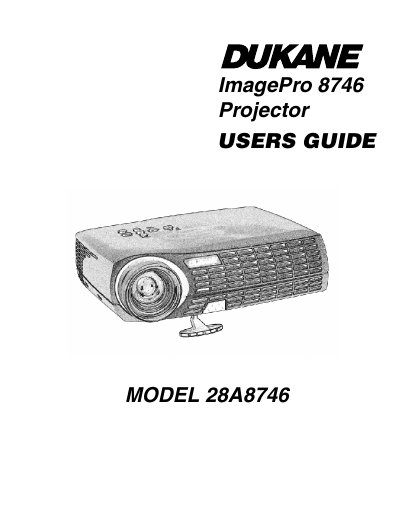
This document is the official user guide for the Dukane 8746 LCD projector. It provides comprehensive instructions on unpacking, setting up the device with computers or video players, powering it on and off, and using the remote control and keypad to navigate on-screen menus.
The manual also covers essential maintenance procedures such as cleaning the lens and lamp filter screens, replacing the projection lamp, and changing batteries in the remote. Additionally, it includes a troubleshooting section for common issues and details regarding safety instructions and warranty information.
You must wait 60 minutes after turning off and unplugging the projector to avoid burns from hot surfaces.
The Dukane LCD projector is warranted against defects in material and workmanship for five years from the original purchase date.
For assistance, call Dukane Customer Service at 1-800-676-2487.