
Dukane 28A8049A/8755 Liquid Crystal Projector User's Manual

This document is a user manual for the Liquid Crystal Projector 28A8049A/8755, which describes the features and characteristics of the product, as well as instructions for use and maintenance.
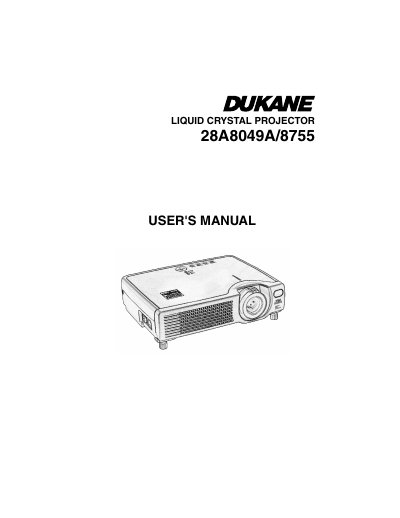

Dukane 28A8049A/8755 Liquid Crystal Projector User's Manual - cover page
Brand
Dukane
Category
Projector
Document type
User Manual
Language
English
Pages
65
File format
PDF
File size
3.5 MB
Published
12 July, 2012
Updated
29 September, 2023
MD5 checksum
82250A86D113F0F63B480CB5635BDC7C

About this manual

This document is the User's Manual for the Dukane 28A8049A/8755 Liquid Crystal Projector. It provides essential safety precautions, including warnings about high temperatures, electrical shock, and proper handling of the light source lamp to prevent injury or equipment damage. The manual details the correct usage of symbols found on the device and outlines specific safety measures for the projector, remote control, and power cord.

What's inside

  • About the Symbols
  • Safety Precautions
  • Handling the Light Source Lamp
  • Handling the Power Cord
  • Handling the Battery
  • Moving the Projector
  • Cleaning the Projector
  • Taking Care of the Lens
  • Taking Care of the Cabinet
  • Before Using

Frequently asked questions

How long must I wait after turning off the power before replacing the lamp?

You must wait 45 minutes to let the lamp cool before replacing it.

What is the minimum required space between the projector sides and walls?

You must keep a space of 30 cm or more between the projector sides and other objects.

How often should the inside of the projector be cleaned by a dealer?

Your dealer should clean the inside of the projector about every two years.

Download PDF (3.5 MB)

More Dukane Manuals


View all Dukane manuals →