
This manual introduces the features of Liquid Crystal Projector Model 8053, including preparation before use, installation, operation, maintenance and troubleshooting.
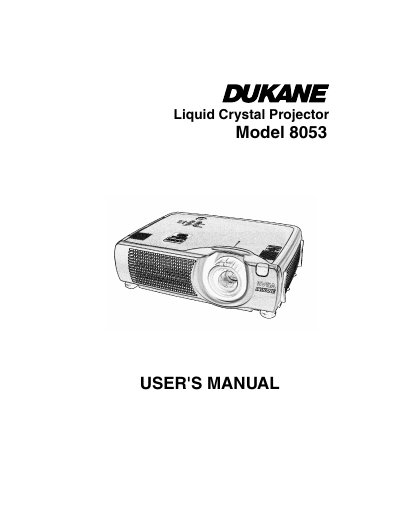
The Dukane Model 8053 is a liquid crystal projector designed to project computer signals as well as NTSC/PAL/SECAM video signals onto a screen. It features an outstanding brightness level due to its UHB lamp and high-efficiency optical system, along with functions for partial magnification, distortion correction, and extra-low noise operation.
| Resolution (CP-S420) | 800 x 600 pixels |
|---|---|
| Resolution (CP-X430) | 1024 x 768 pixels |
No, it is recommended to use the projector at the horizontal position to prevent heat buildup and damage.
It is used to project various computer signals as well as NTSC / PAL / SECAM video signals onto a screen.
The distance from the projector to the screen must be between 160 inches (4.1 m) and 205 inches (5.2 m).
The projection angle is variable within approximately 0° to 9°.