
This manual provides a detailed introduction to the characteristics, functions, usage methods and precautions of the liquid crystal projector 8062/8802. Please read this manual carefully to ensure correct use.
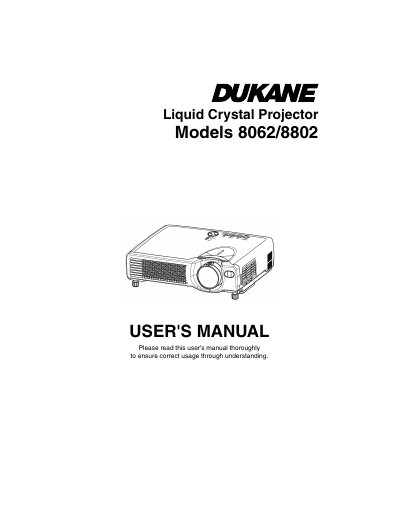
The Dukane 8062/8802 Liquid Crystal Projector is designed to project computer signals as well as NTSC, PAL, and SECAM video signals onto a screen. Key features include ultra-high brightness, keystone distortion correction, a partial magnification function, and a whisper mode for quieter operation. The projector supports various input types including RGB, Video/Audio, USB, and Component Video.
| Resolution (8062) | 800x600 pixels |
|---|---|
| Resolution (8802) | 1024x768 pixels |
| Elevator Feet Adjustment Range | 0 to 9 degrees |
| Warranty Period | Five years |
The projector is used to project various computer signals as well as NTSC / PAL / SECAM video signals onto a screen.
Normal operating conditions are defined as product use not in excess of 8 hours per day and 260 days per year.