
This document is a user manual for Dukane projectors, providing information about the features and characteristics of models 8767A, 8771, and 8070.
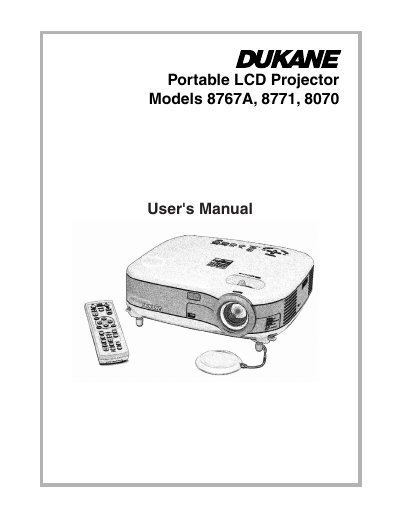
This manual covers the Dukane 8767A, 8771, and 8070 Portable LCD Projectors. It includes safety precautions, setup instructions, and connection guides for various input sources such as PCs, DVD players, and VCRs. The document details how to operate the projector using the remote control and on-screen menu to adjust picture and sound settings.
| Product Type | Portable LCD Projector |
|---|
The serial number is located on the bottom of your projector.
Allow at least 30 seconds to elapse after turning off the projector, then turn off the main power switch and disconnect the power cable.