
This document is the user manual for the D10CEA SDI to Component/Composite Video with 4 Channel Audio Converter. The manual describes the features and characteristics of the product.
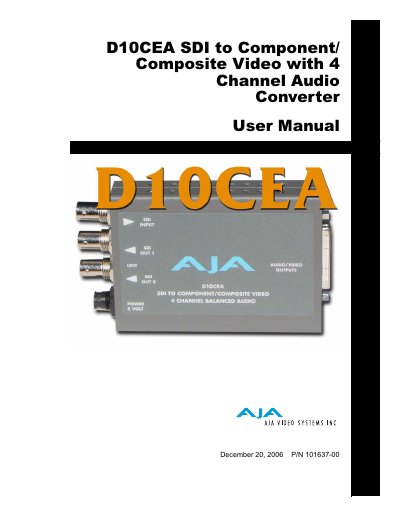
The D10CEA is a versatile low-cost converter designed for video and audio monitoring. It accepts SDI input with embedded audio and converts it to 10-bit component (YPbPr, RGB) or composite analog video outputs, along with four channels of balanced analog audio. The device also provides two re-clocked loop-thru SDI outputs.
| Input Format | SMPTE 259M with embedded audio |
|---|---|
| Video Outputs | YPbPr - SMPTE, EBU-N10, Betacam, RGB, NTSC, PAL, YC (S-Video), 10-bits |
| Audio Outputs | 4 Channel Balanced/Unbalanced |
| Frequency Response (Y Video) | +/- .25dB to 5.5MHz |
| Frequency Response (Audio) | +/- .5dB to 20 KHz |
| Power Requirement | 5v DC regulated, 4 watt |
The converter supports YPbPr (SMPTE/EBU N10), RGB, composite, and Y/C (S-Video) outputs.
The device provides 4 channel balanced analog audio outputs.
It requires a +5VDC regulated power supply, typically 4 watts (AJA model DWP).
Configuration is performed using an 8-switch DIP accessible through a cut-out in the converter's case.