
This manual introduces the features and characteristics of the EMV400 DVR, including installation, use and maintenance
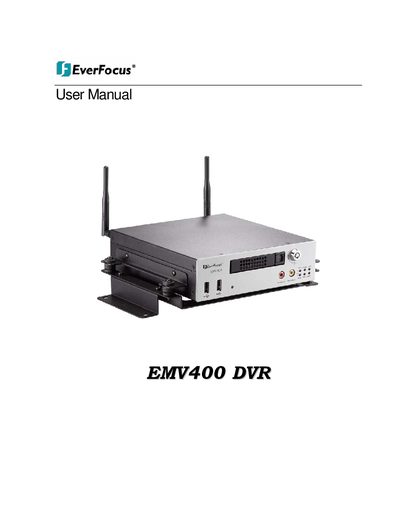
The document serves as a comprehensive user guide for the EverFocus EMV400 DVR. It covers safety precautions, package contents, physical descriptions of the front and rear panels, and detailed steps for system connections including video, audio, alarm contacts, USB mouse, and network interfaces.
The manual details how to configure the device via the On-Screen Display (OSD) menu, covering camera settings, alarm configurations, date/time adjustments, display layouts, and network settings. It also includes instructions for remote operation using a web browser, DDNS setup, port forwarding guides for Linksys and D-Link routers, and troubleshooting procedures.
| Operating Temperature | -20°C~55°C (-4F~131°F) |
|---|---|
| Input Power Source | 10V~36VDC |
Refer all work related to installation to qualified service personnel or system installers. Do not attempt to disassemble the appliance.
The effective distance is up to 33 feet line of sight.
No, do not use them as they may cause hazards.