
EverFocus EN-7517C/EN-7519C 17/19" TFT-LCD Monitor Instruction Manual

This manual provides detailed introduction to the use of EN-7517C / EN-7519C 17” / 19” PREMIUM TFT-LCD MONITOR, including safety instructions, connecting external equipment, remote functions, controls and functions, mounting guide, D-SUB connector pin assignments, power management, specifications and troubleshooting guide.
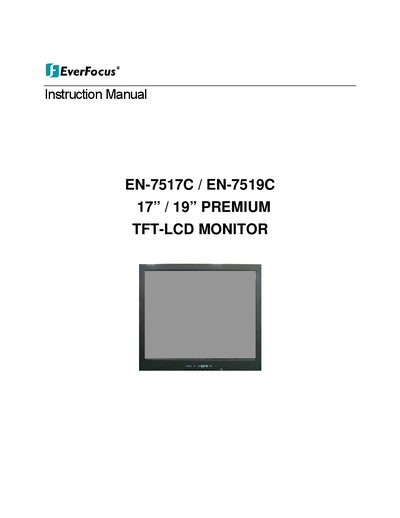

EverFocus EN-7517C/EN-7519C 17/19" TFT-LCD Monitor Instruction Manual - cover page
Brand
EverFocus
Category
Monitors
Document type
User Manual
Language
English
Pages
46
File format
PDF
File size
4 MB
Published
09 July, 2012
Updated
30 September, 2023
MD5 checksum
D10FB0DAAAE19785F49363AA471F9243

About this manual

This instruction manual covers the EverFocus EN-7517C and EN-7519C 17-inch and 19-inch premium TFT-LCD monitors. It includes essential safety instructions, FCC compliance statements, and guidelines for connecting external equipment. The document details the remote functions, control panel operations, and various mounting options for the monitor.

What's inside

  • Safety Instruction
  • Caution
  • FCC RF Interference Statement
  • Connecting with External Equipment
  • Remote Functions
  • Controls and Functions
  • Mounting Guide
  • Power Management
  • Specifications
  • Trouble Shooting Guide

Frequently asked questions

What is the minimum distance required around the monitor for ventilation?

You must maintain a minimum distance of 10cm around the apparatus to ensure sufficient ventilation.

What should you do if the power supply cord is damaged?

You should unplug the apparatus immediately and refer all servicing to qualified service personnel.

Download PDF (4 MB)

More EverFocus Manuals


View all EverFocus manuals →